
Reaction Role Buttons
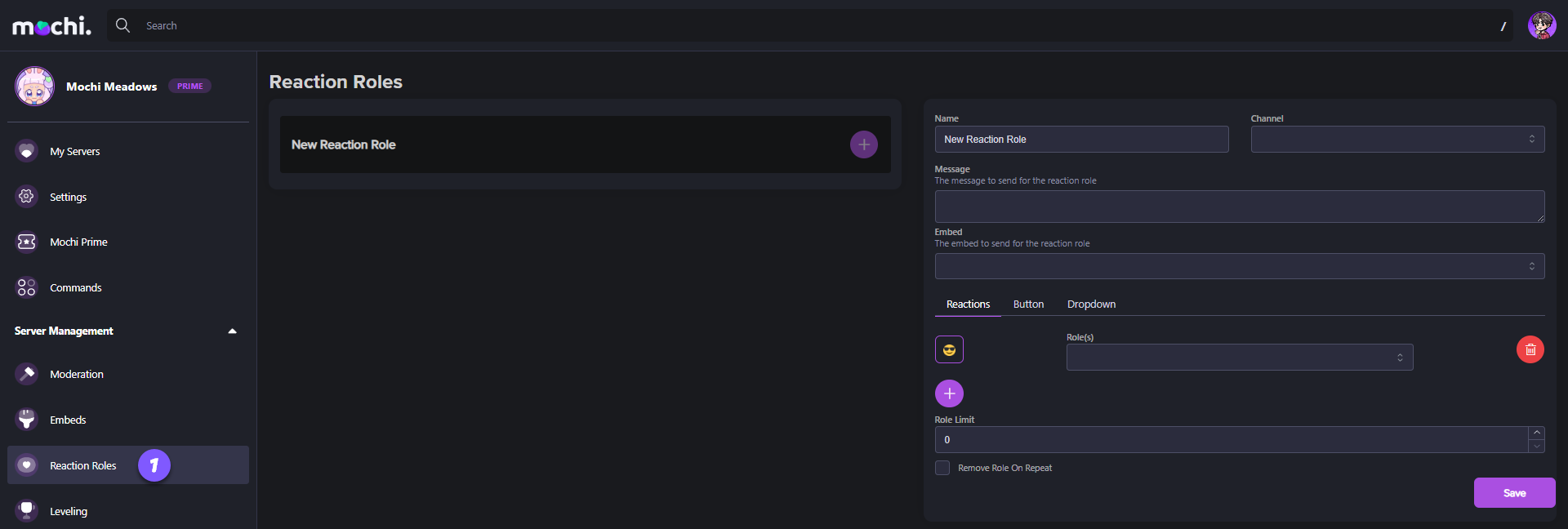
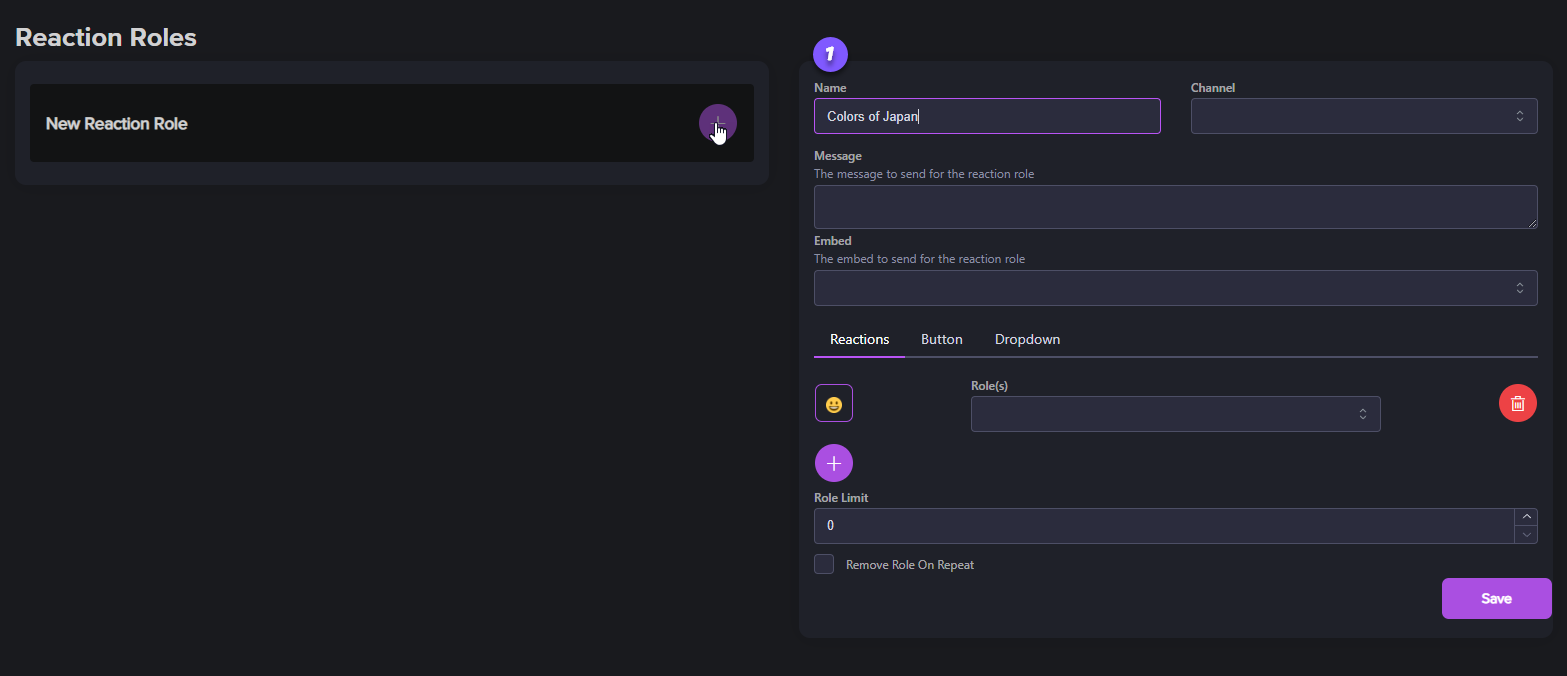
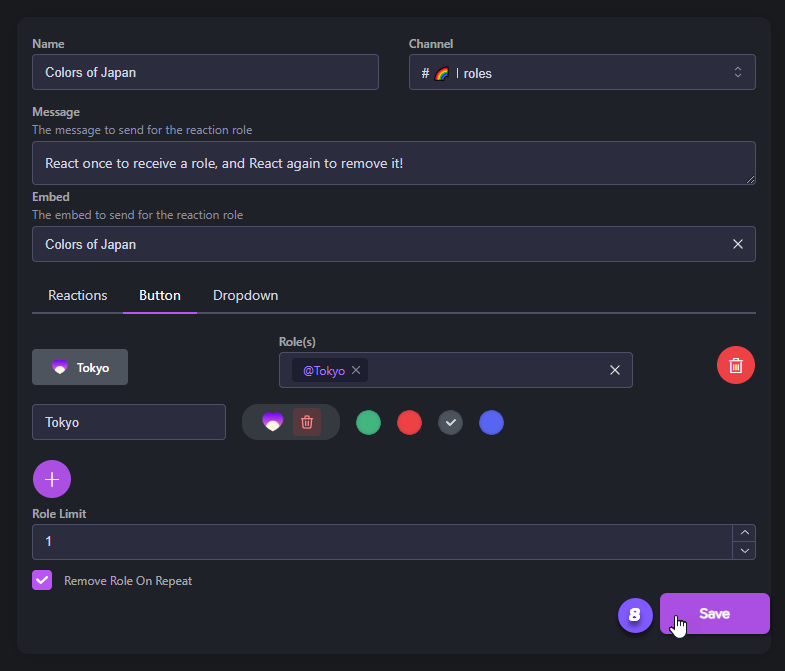
Step 1: Name Your Reaction Role
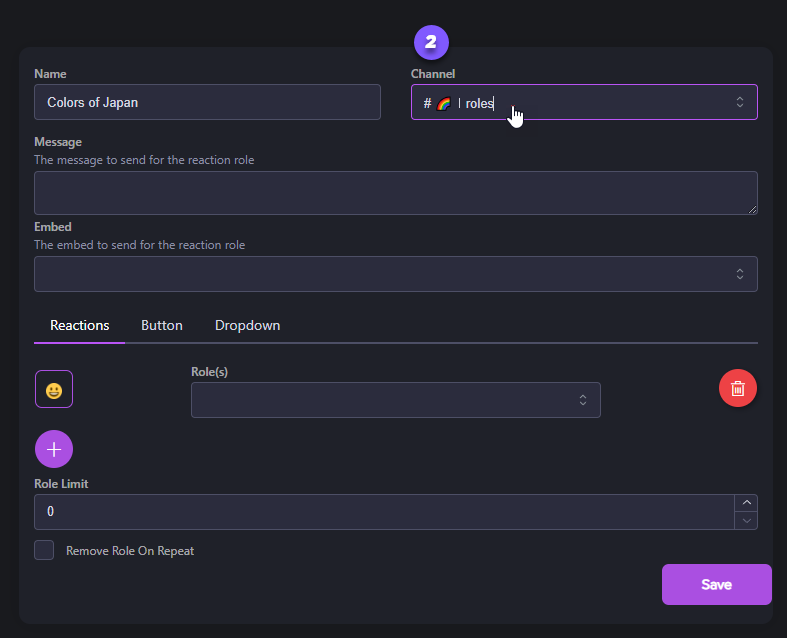
Step 2: Choose a Channel
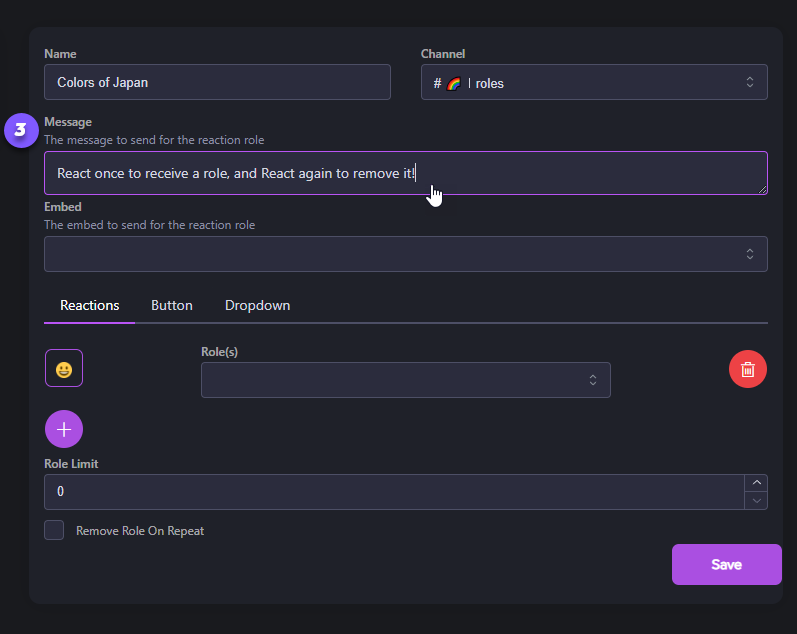
Step 3: Write Your Message (Optional)
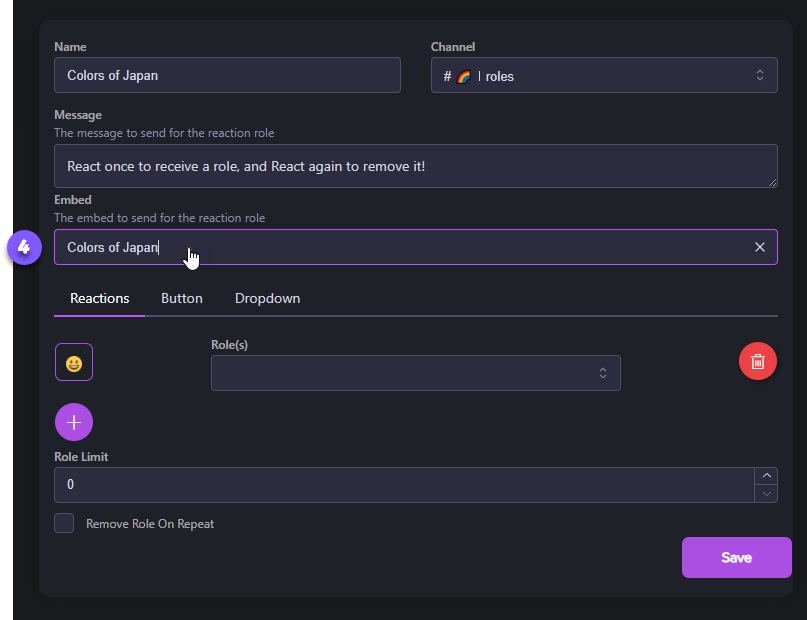
Step 4: Select the Reaction Embed
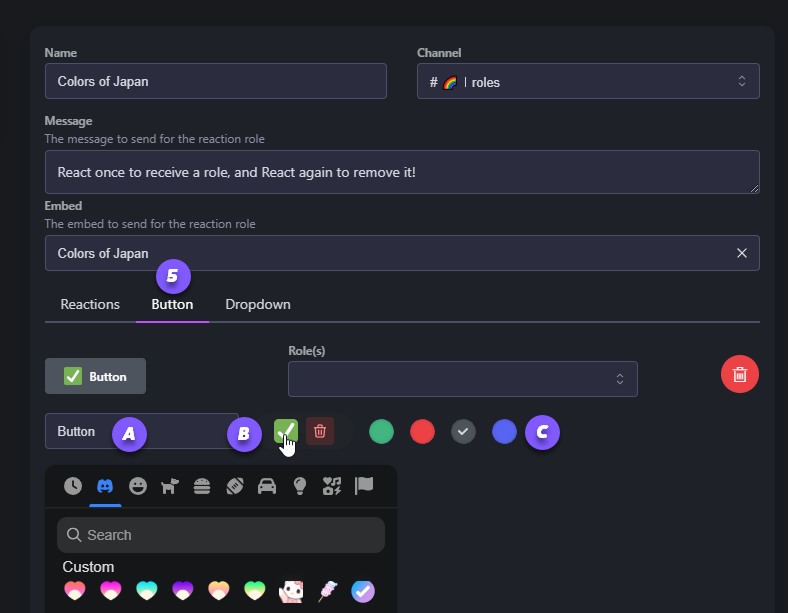
Step 5: Select Emoji, Label, and Button Color
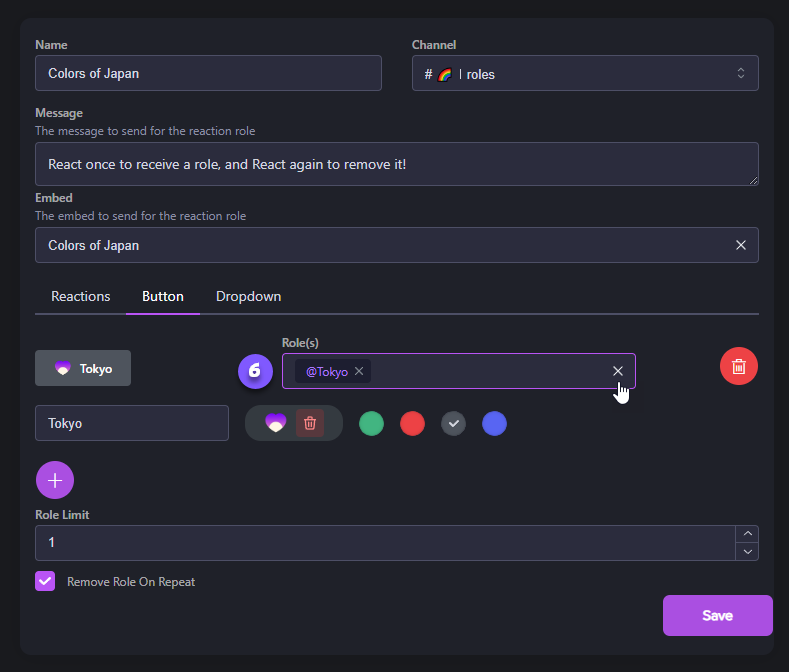
Step 6: Assign the Reaction Role
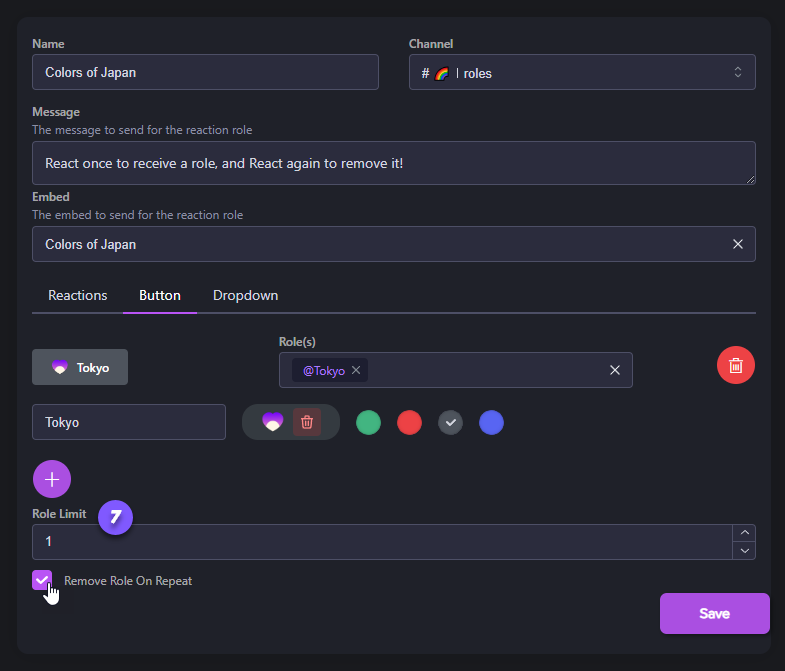
Step 7: Set Role Limits and Repeat Removal
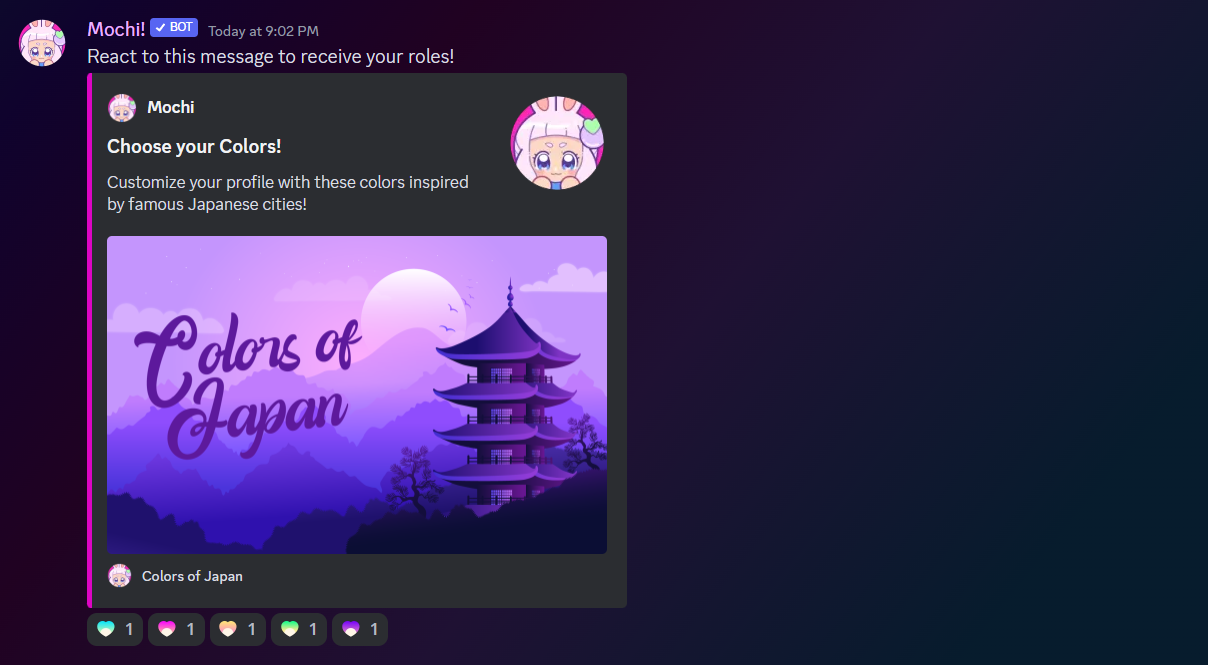
Step 8: Save and Display
Last updated